Applying for a fire and safety course in Dibrugarh? Prepare your NEFSA online admission documents before you start the form. A clear copy of each marksheet and a working email address make it easier to complete the application and spot anything you need to clarify with the academy.
Which documents should you keep ready?
The official NEFSA admission portal lists a recent photo and signature, HSLC marksheet and admit card, and higher secondary documents. It also links to forms for police verification, attendance and medical certification. The instructions list photo ID as optional and a caste certificate where applicable. If you are applying after Class 10, ask admissions which higher secondary fields apply to your course before submitting.
Prepare your files before opening the form
- Scan or photograph each document separately, with all corners visible and no glare over names or marks.
- Use the format and size shown next to the upload field. The portal currently lists JPG, JPEG or PNG and 100 KB for several images. Check the applicable limit for each field.
- Name the files so you can distinguish your Class 10 marksheet from your admit card. Open each file after resizing it and check that the text remains readable.
- Verify your email after registering. Enter your education details, upload the files and use the preview to review names, dates and attachments before final submission. Save the application copy offered by the portal.
What should you confirm before submitting?
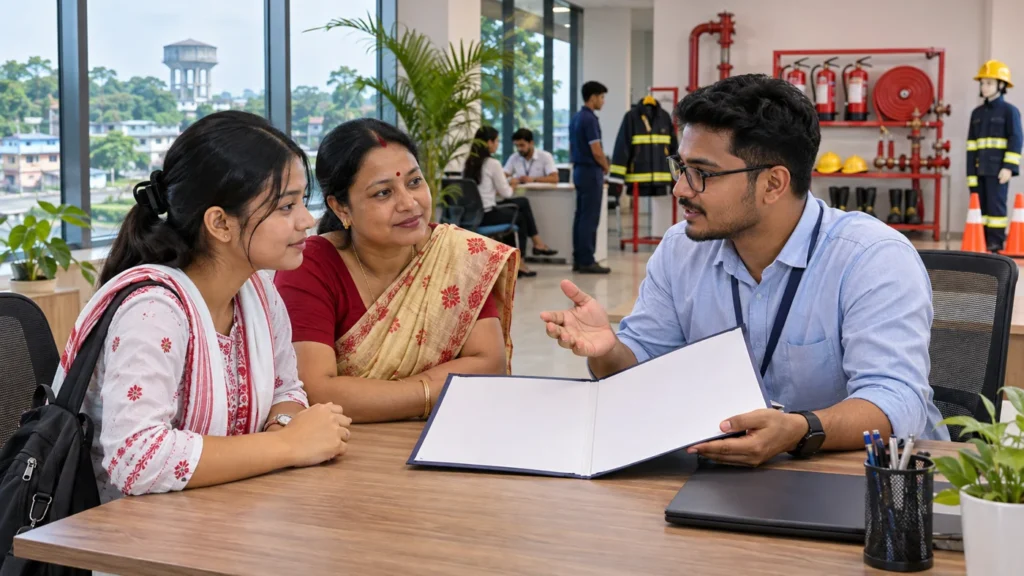
Check the academy’s course requirements for your preferred programme. Ask the team to confirm the current intake, the documents needed for your qualification and the timing of any physical or medical tests. For an overview of choosing a programme, read the NEFSA Dibrugarh admissions guide.
Ask NEFSA about your course and documents
Include your highest completed class, your preferred course and the document or upload field you have a question about. Send NEFSA an admission enquiry. Use the official application portal for uploading personal documents.